UI
Open your Gestalt server’s base URL in a browser to access the web client. For a local server, that’s http://localhost:8080.
The UI lets you browse apps, connect to upstream services through OAuth or manual authentication, invoke operations, and manage personal tokens. It uses the same HTTP API and authentication model as the CLI.
Dashboard
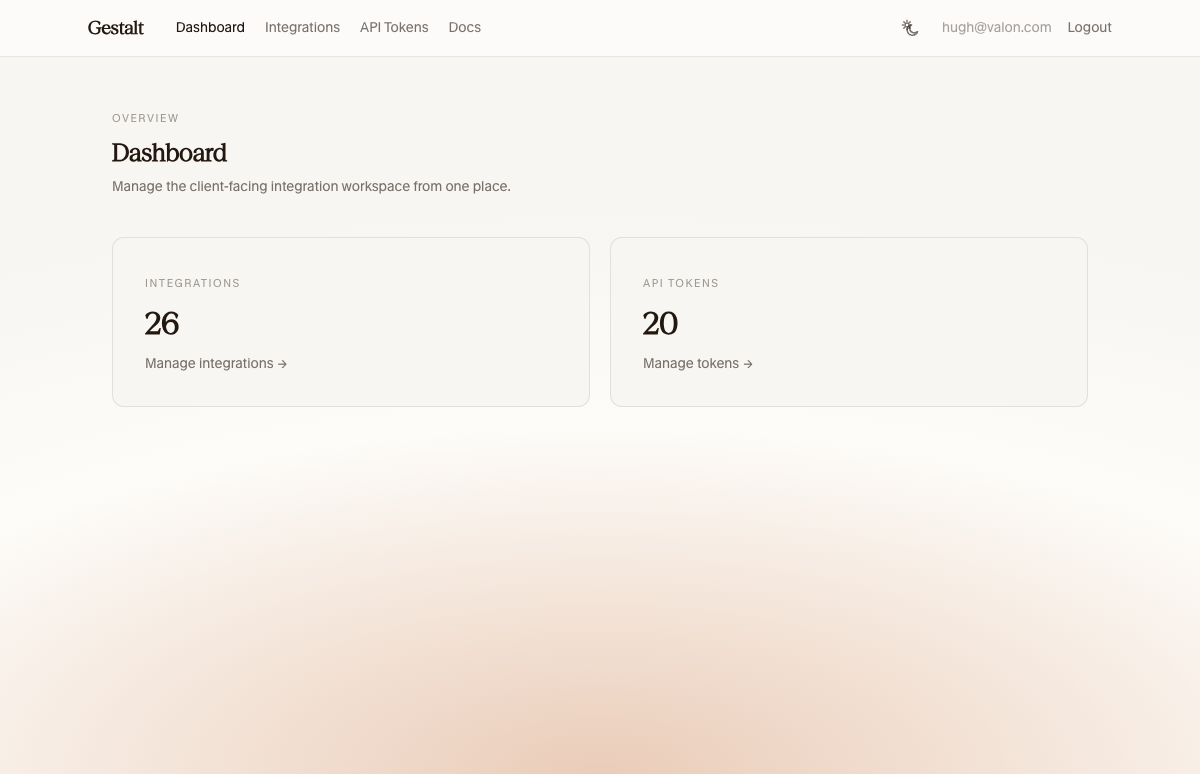
The dashboard shows an overview of the workspace with authorization, app, and workflow counts.
Workflows
When the default web bundle is mounted, the workflow UI is available at
/workflows.
It shows workflow definitions, activations, and recent run history in one place. You can inspect individual runs, filter by status, search recent activity, and cancel pending runs.
Apps
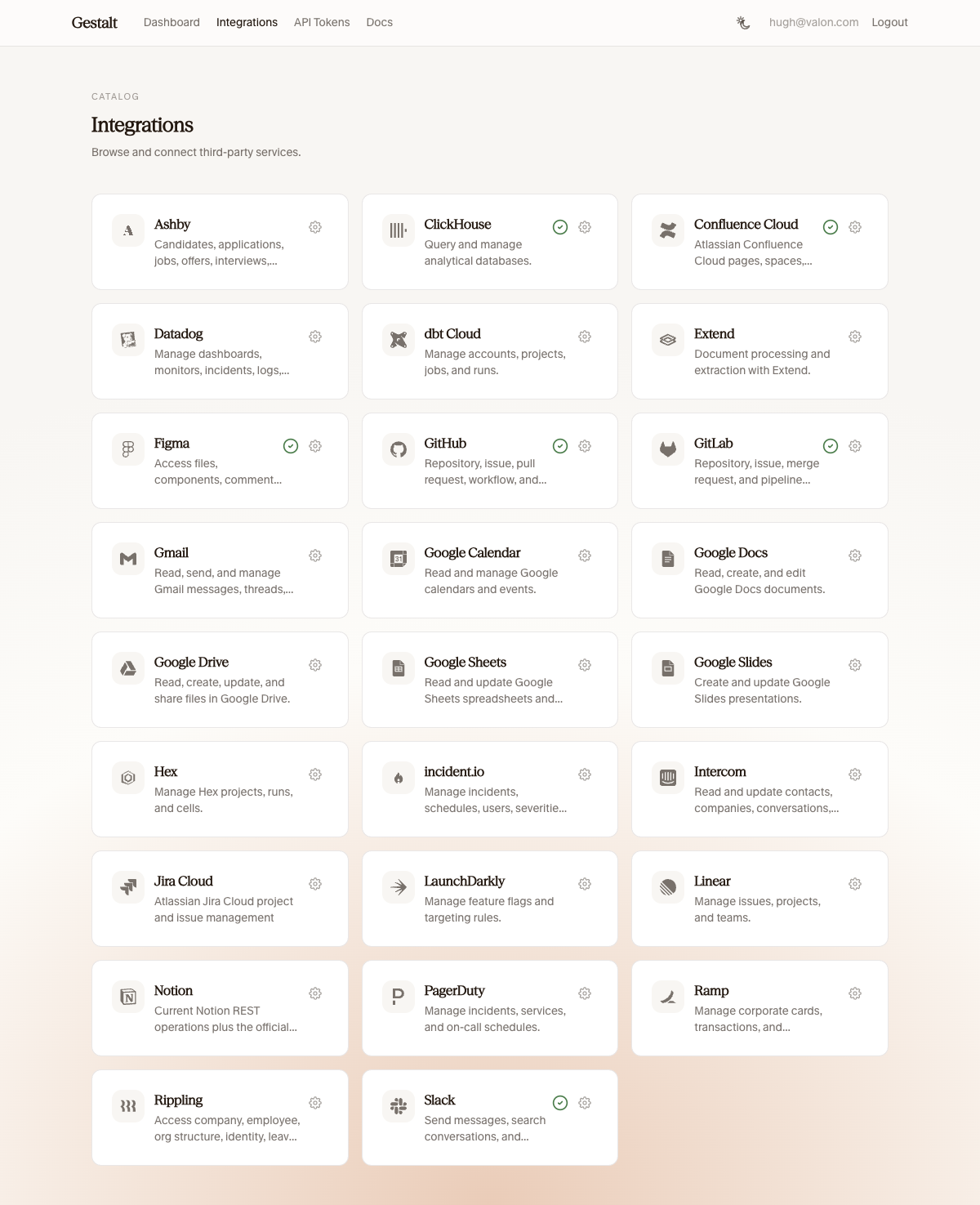
The apps page lists all configured providers. Connected apps show a green checkmark. Click the settings icon to manage connections or disconnect.
Authorization
The authorization page lets you create and revoke personal API tokens for your current user.
Identity
When providers.identity points to an interactive identity
provider such as OIDC, the UI redirects to your identity provider for login.
When providers.identity is omitted, every request is anonymous.
App frontends
Public app frontends are configured with apps.<name>.static on unified
kind: app packages. Gestalt serves prepared assets from the packaged static/
directory at the configured mount path.
- Omit
staticon every app to run headless with no public frontends. - Set
apps.<name>.static.mountto publish a browser UI under a URL prefix. - Check in frontend source in the app repo;
buildwrites toGESTALT_BUILD_STATICduring preparation. gestaltd serve --lockedserves preparedstatic/artifacts; localrun:commands enable hot reload through the gestaltd dev proxy.- Browser app UIs use the Gestalt web SDK with
session()and call app operations on/api/v2withcredentials: "include"(HttpOnlysession_tokencookie). - Management and login routes remain on
/api/v1; MCP is available at/mcp. There is no separate app-local browser API.
For packaging and release, see Applications and Releasing provider packages.