UI
Open your Gestalt server’s base URL in a browser to access the web client. For a local server, that’s http://localhost:8080.
The UI lets you browse plugins, connect to upstream services through OAuth or manual authentication, invoke operations, and manage personal tokens. It uses the same HTTP API and authentication model as the CLI.
Dashboard
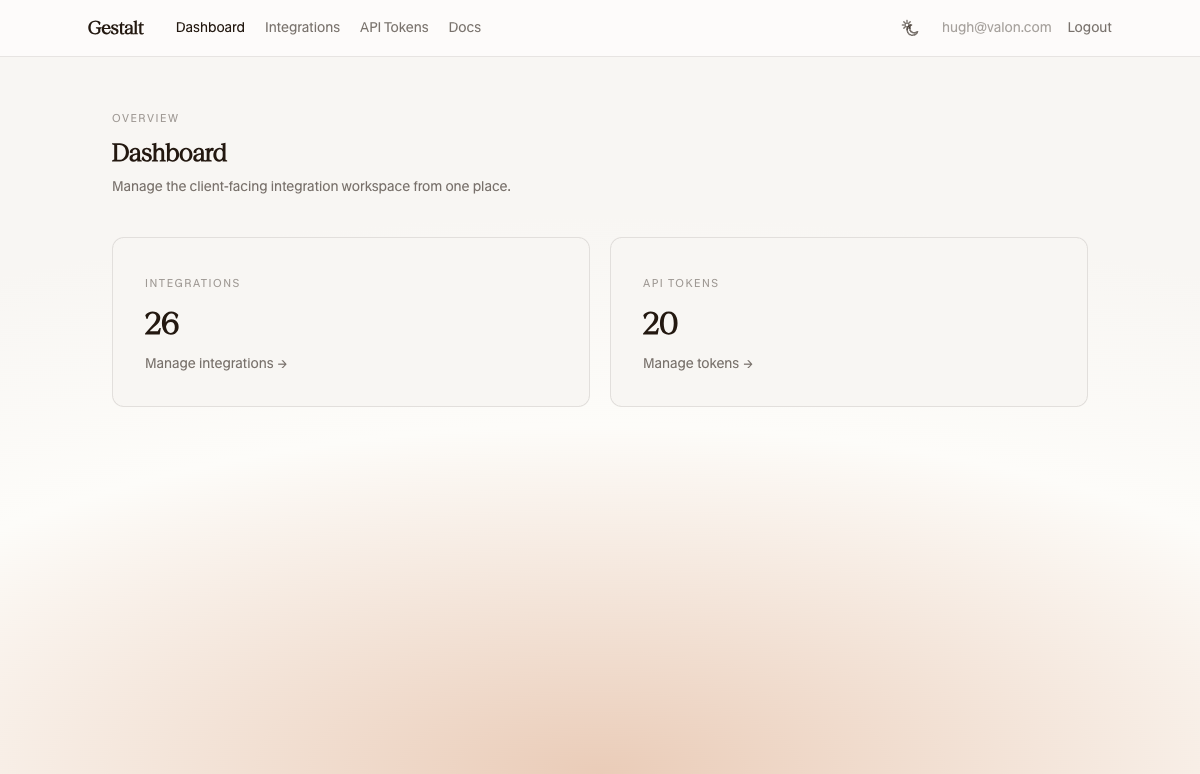
The dashboard shows an overview of the workspace with authorization, plugin, and workflow counts.
Workflows
When the default web bundle is mounted, the workflow UI is available at
/workflows.
It shows workflow schedules, event triggers, and recent run history in one place. You can inspect individual runs, filter by status, search recent activity, and cancel pending runs.
Plugins
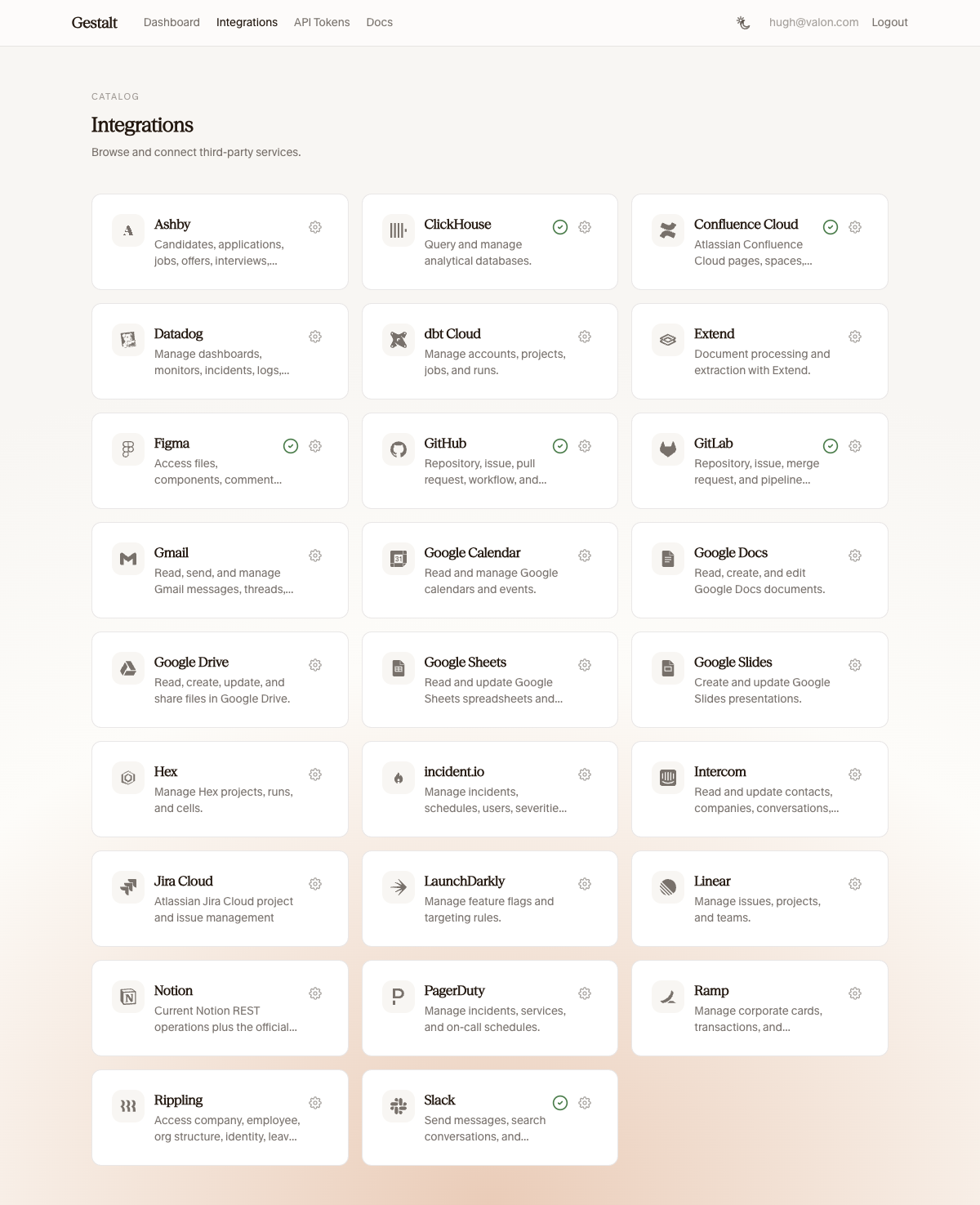
The plugins page lists all configured providers. Connected plugins show a green checkmark. Click the settings icon to manage connections or disconnect.
Authorization
The authorization page lets you create and revoke personal API tokens for your current user.
Authentication
When providers.authentication points to an interactive authentication
provider such as OIDC, the UI redirects to your identity provider for login.
When providers.authentication is omitted, every request is anonymous.
Custom UI bundles
Public UI bundles are configured through the providers.ui map.
- Omit
providers.uito run headless with no public UI bundles. - Add
ui.<name>entries withsourceand explicitpathfields to mount static SPAs under public URL prefixes. - UI bundles use the normal
/api/v1and/mcpsurfaces; there is no separate plugin-local browser route surface.
The built-in admin UI at /admin remains available regardless. See
Custom UI for the bundle format and
Releasing for packaging.